
Side by Side Preview
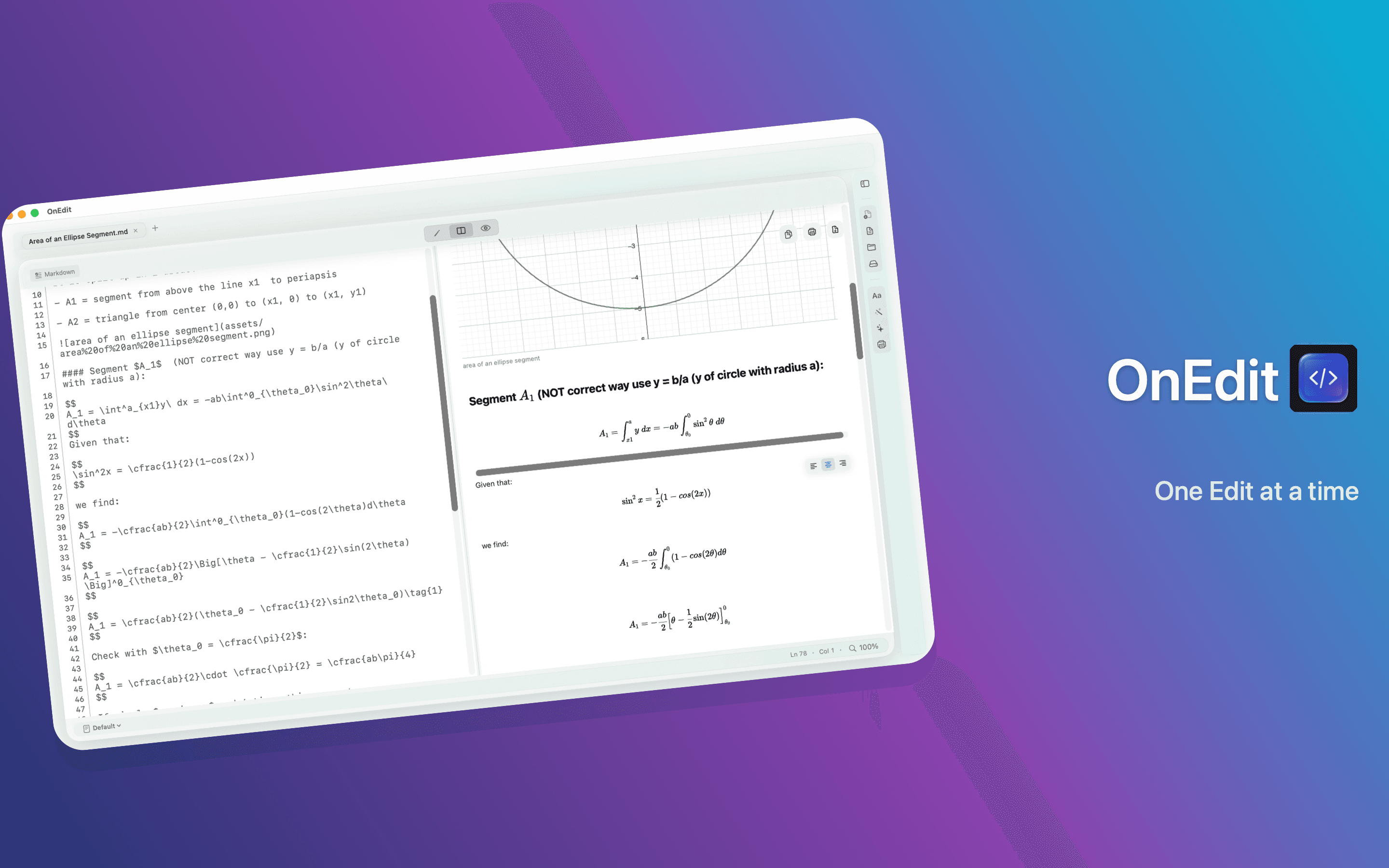
Markdown, HTML, and CSV keep source and rendered output together with synchronized scrolling and a split remembered per tab.
On Edit
OnEdit 6.1 keeps Markdown, HTML, and CSV source beside rendered output, adds native Markdown table editing, and strengthens the performance and recovery foundations beneath every document.
OnEdit 6.1 is available now on the Mac App Store.
OnEdit 6.1 · Available now
Available now on the Mac App Store.
Markdown, HTML, and CSV keep source and rendered output together with synchronized scrolling and a split remembered per tab.
Native pipe tables can be inserted, formatted, aligned, and edited from source or Preview, with undo for document changes.
Reused math, diagrams, and local images bring less flashing and steadier scrolling and resizing.
More resilient save and recovery paths plus bounded resource use help protect documents and support steadier large-file editing.
The OnEdit foundation
OnEdit remains a focused native workspace for text, code, previews, local execution, and real files—whatever the next release adds.
Explore the full user guideOpen real files in tabs with practical syntax highlighting, Search & Replace, column selection, and Starter Templates.
Open a folder as a workspace, move between Files and Bookmarks, reveal paths in Finder, show hidden files, and pick up external changes.
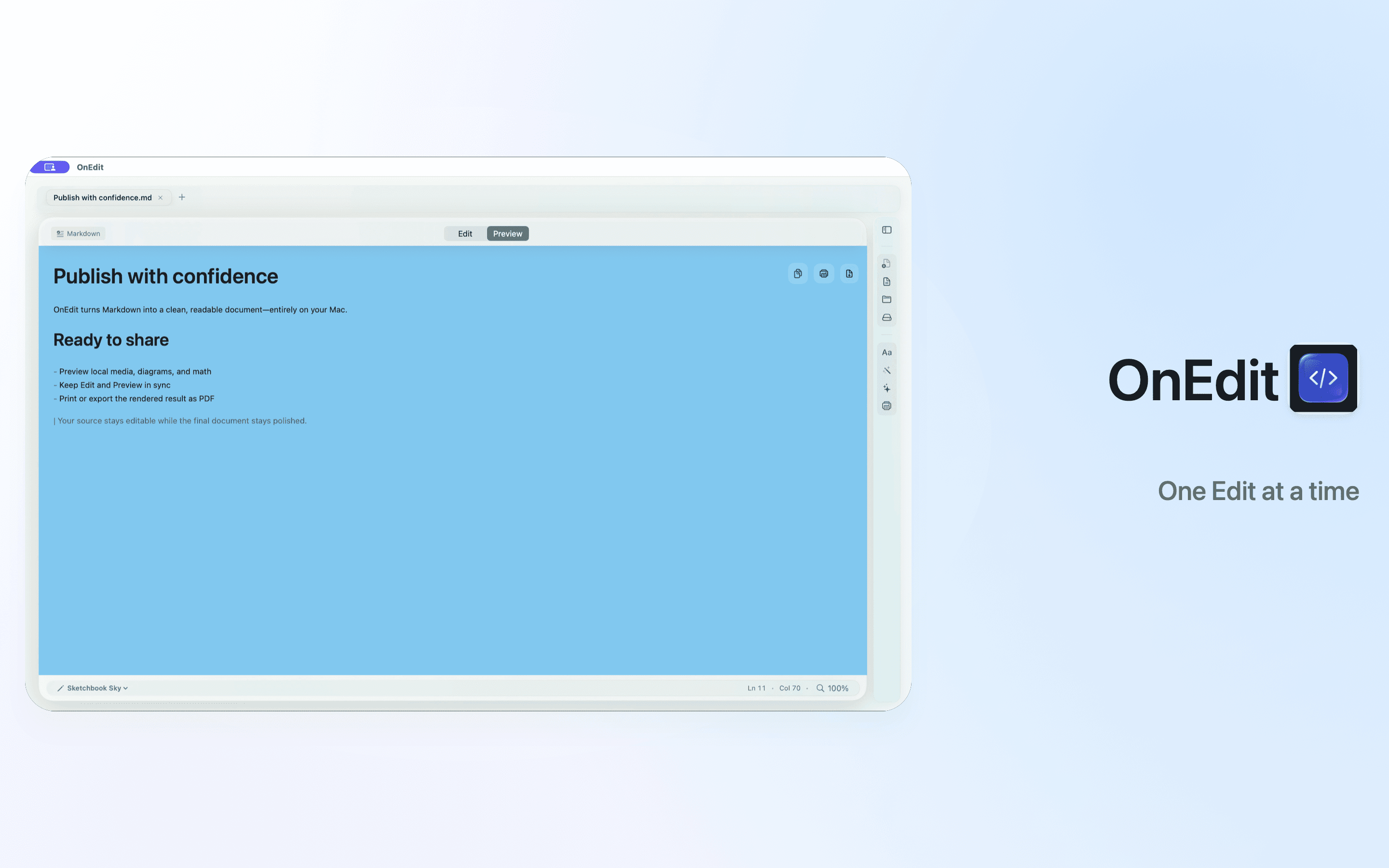
Preview Markdown, HTML, and CSV alongside PDF, images, SVG, video, and Office documents, with local media support.
Render Mermaid and offline LaTeX, then execute code blocks in the Markdown Workbench when the action is trusted, user-initiated, and local.
Print and Export PDF preserve local images, math, Mermaid diagrams, and trusted Workbench output and receipts.
Choose Light, Dark, or System appearance, shared backgrounds, 50–300% scaling, and Presentation Mode.
One note · three working modes
The note changes where it is presented, not what it is. Manager, editor tab, and Sticky Note all coordinate around one local note.
Capture and manage
Create a rich local note, then find it with search, tags, Favorites, Archive, or Recently Deleted.
Develop the idea
Open in Editor moves the same note into a rich .onedit tab beside your text and code files.
Keep it nearby
Make Sticky floats the note above normal windows. Back to Quick Notes returns it to the library.
Native where it matters
One native editor keeps JSON and HTML implementation details out of the way. Style text, add lists, choose fonts and color, or copy as rich or plain text using familiar Mac controls.
Manager, rich tab, and Sticky Note share one autosave session per note. When a tab owns the editor, the manager links to it instead of opening a competing editor. Command-S flushes pending changes.
Notes are versioned .onedit JSON files stored locally—no SQLite, account, sync server, tracking, or active Web content path. Save As can produce portable .onedit, Plain Text, or HTML.
Sticky Notes stay editable and focusable above normal windows. Frameless mode is reversible, and each note remembers its local position and size.
Built into OnEdit 6.1
Synchronized Edit and Preview scrolling remains stable across long documents.
The Files sidebar notices workspace changes automatically.
Existing installations migrate to the plain default background while themes remain available.
Transformed and clipped SVG artwork now keeps its intended bounds.
Available today
Download the current release for Side by Side Preview, Markdown table editing, Quick Notes and Sticky Notes, smoother rendered documents, safer recovery, and steadier large-file workflows.